You can access your Email directly from Webmail.
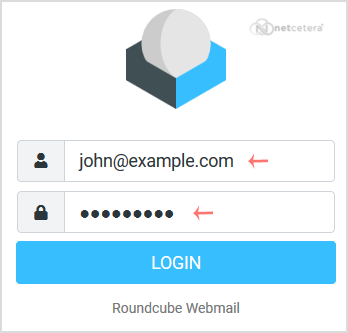
Open https://webmail.example.com, and replace example.com with your domain name. Enter your full email address and password. Then click on Login.
After successful login, you can manage emails.